

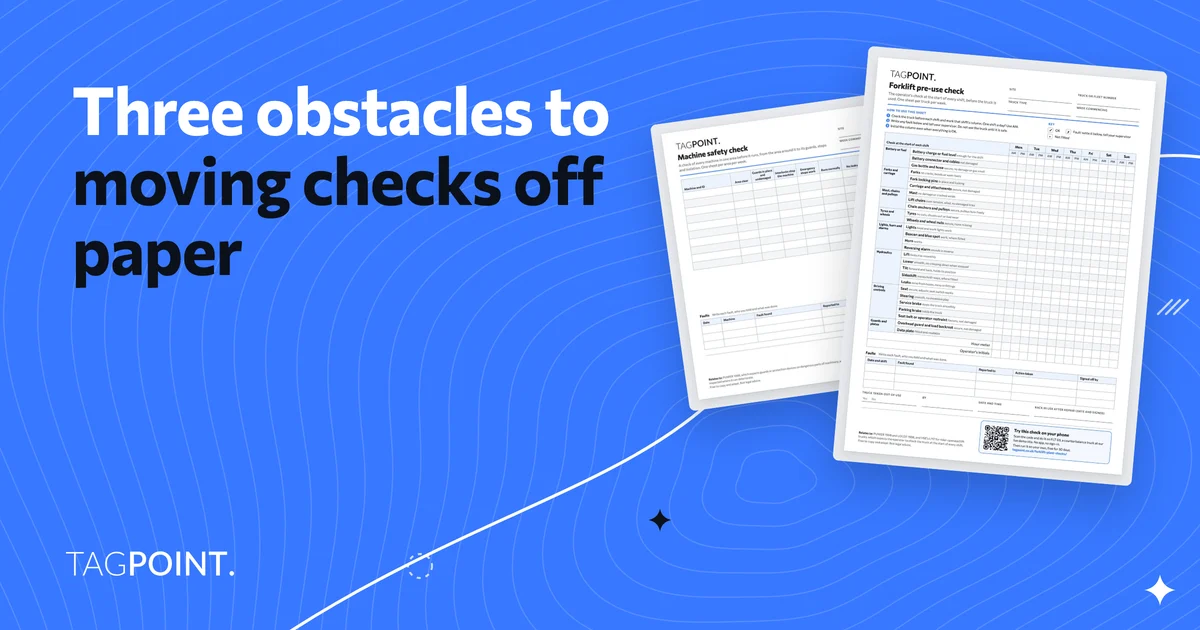

Moving safety checks from paper to a phone pays off quickly: checks that are done on time, faults that reach someone who fixes them, and records you can find in seconds. Yet many businesses put it off, for three familiar reasons: it is hard to choose the right tool, staff may resist, and the cost is hard to judge.
In this article we share practical tips for each of these, based on what we see when businesses move their checks to TagPoint.
try free for 30 days
Get your safety checks off paper in a day
Free for 30 days, no card needed

Quick start
Obstacle 1: choosing a tool that fits
There is no shortage of software that promises to digitise inspections. Some are full maintenance systems built for engineering teams, some are form builders, some are spreadsheets with an app on top. The choice can be overwhelming, and a tool that is too complex ends up unused, with everyone back on paper and phone calls.
The way through is to start from your own checks, not from the software. Spend an hour listing them and ask three questions about each:
- How often is it done? Every shift, weekly, monthly?
- Who does it, and where? An operator on the shop floor, a driver in a yard, a fire marshal walking a building?
- What happens when something fails? Who needs to know, and how fast?
The answers tell you what the tool must do. Here are three typical examples.
| The business | The checks | What the tool must do |
|---|---|---|
| A warehouse | Forklift checks every shift, racking weekly, extinguishers monthly | Open the right check from a label on each truck and rack, and send damage straight to the person who arranges repairs |
| A small fleet | Daily walkaround checks on vans and lorries | Work on drivers' phones, require a photo for every defect, and tell the transport manager when a vehicle isn't safe to drive |
| A factory | Machine safety checks each shift, first aid boxes and fire checks monthly | Run checks on a schedule, flag the ones that are missed, and let anyone report a fault without installing anything |
If the tool can't do what your list needs, or needs weeks of training to do it, it is the wrong tool. If you'd like a second opinion on your list, we are happy to help.
I have a questionObstacle 2: bringing the team with you
Finding the right tool is only half the job. The other half is making sure it fits how people actually work.
Some people will be wary. They may feel the app is there to watch them, or simply not want to learn something new when the paper sheet has always worked.
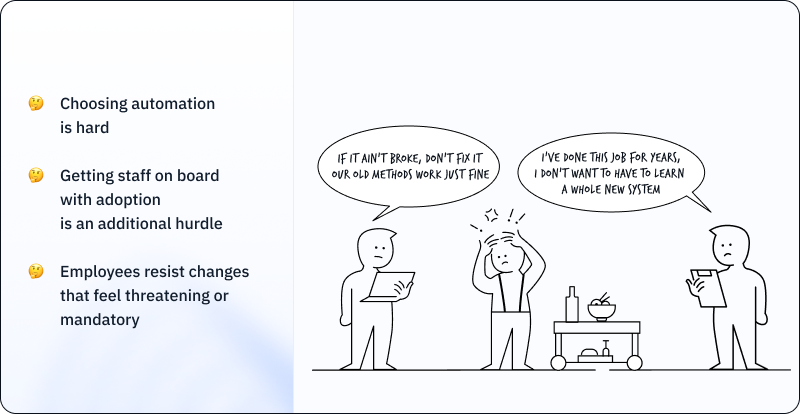
Common concerns about moving to a new system
There is no single answer, but these tips help.
- Explain why, clearly. Say what problem you are solving: faults that go unreported, checks that can't be found, a near miss that should not have happened. Present the app as something that helps the team, not something that watches them.
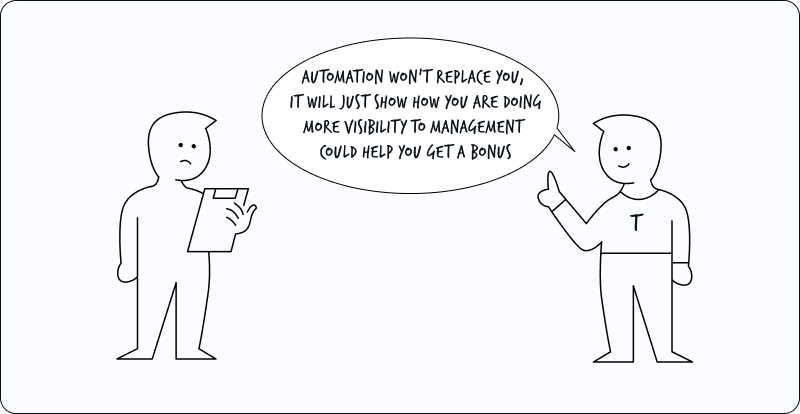
A new tool can help people get noticed for doing the job well
-
Tell people before it arrives, through the channels they already use: a briefing at the start of a shift, the notice board, the team chat. A one-page guide with screenshots goes a long way.
-
Train with a phone in their hand. A ten-minute session in front of a labelled forklift or vehicle beats an hour in a meeting room. A good app should feel familiar after the first few checks.
-
Take it step by step. Start with one check in one area, then add more. See how a retail chain moved forklift and racking inspections off paper one inspection at a time.
-
Check in often at the start. Ask people how it is going during the first week or two. Questions fall away quickly, and early problems are easy to fix.
-
Lead by example, and act on what is reported. Use the system yourself in front of the team, and fix the first faults people report quickly. Nothing builds trust faster than seeing a report lead to a repair.

Support from managers is essential for a smooth start
Obstacle 3: weighing the cost against the value
The cost of a new system can look significant: the subscription, the time to set it up and the time to train people. For a manager watching this year's budget, that can be enough to put it off.
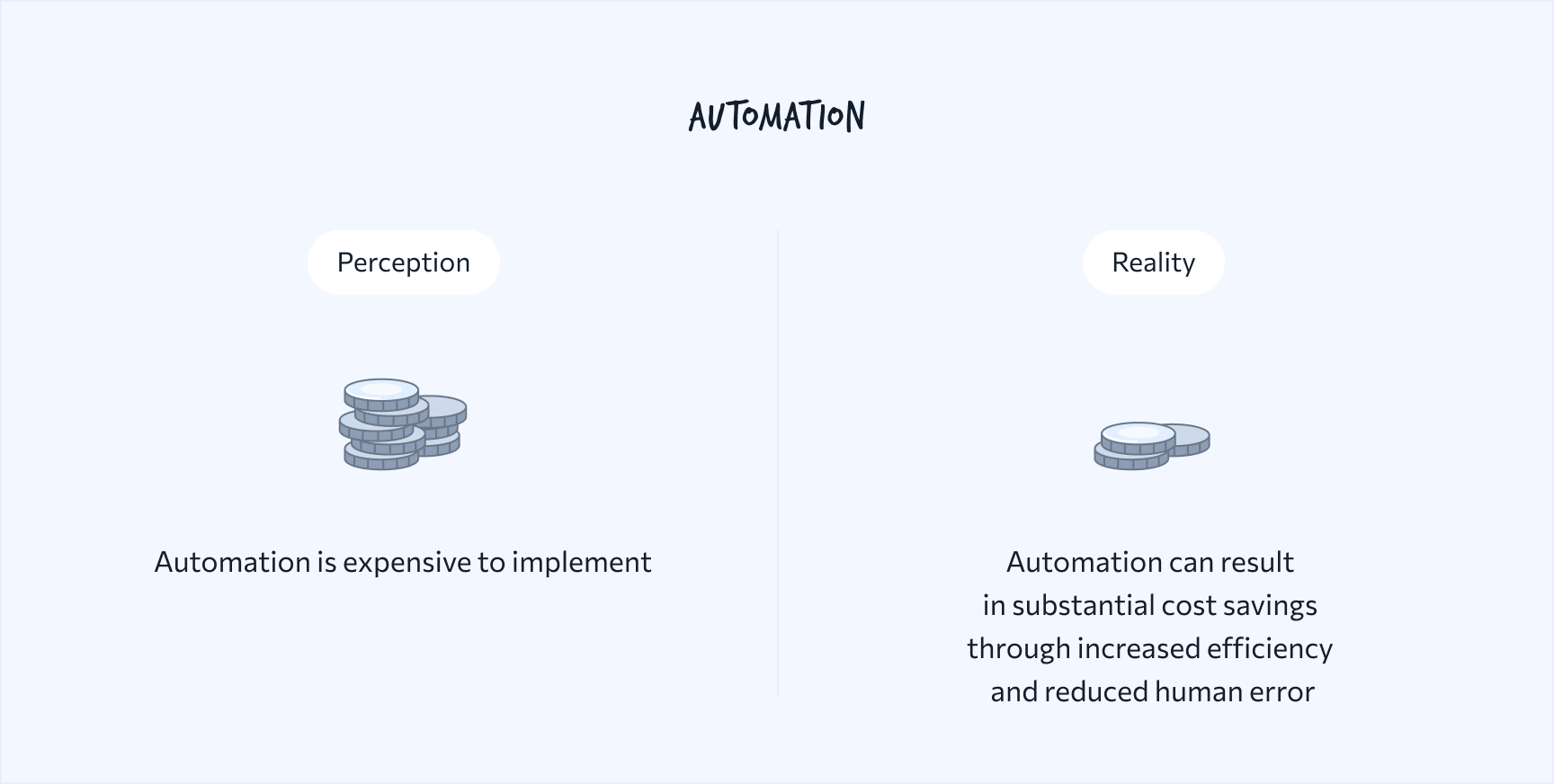
Perception and reality of the cost of going digital
There are simple ways to keep the cost and the risk down:
- Start with a trial. TagPoint has a 30-day free trial with no card needed, long enough to run one or two checks properly.
- Start small and grow. One site and a few checks first, then more once the first ones work.
- Let someone else do the set-up. We can set up your first checks and print durable QR labels, so your team's time goes on using it.
When you weigh up the value, look beyond the subscription:
Time saved. No more chasing sheets, copying them into spreadsheets or searching through files when someone asks for last month's checks.
Faults fixed sooner. A failed item goes straight to the person who fixes it, with a photo and a deadline, instead of waiting in a tray.
Records that stand up. Every check is kept with a name and a time, and every fault with its full history. When an inspector, an insurer or a customer asks, the answer takes minutes.
A clearer picture. Over time you can see which items fail most often, which checks get missed and where to spend money on repairs.
Moving checks off paper delivers real value, but getting past these three obstacles takes a little planning: choose a tool that fits your checks, bring your team with you, and start small. If you'd like to talk it through, get in touch, or see how TagPoint works.