


Issues and requests
See it working
Scan a live demo
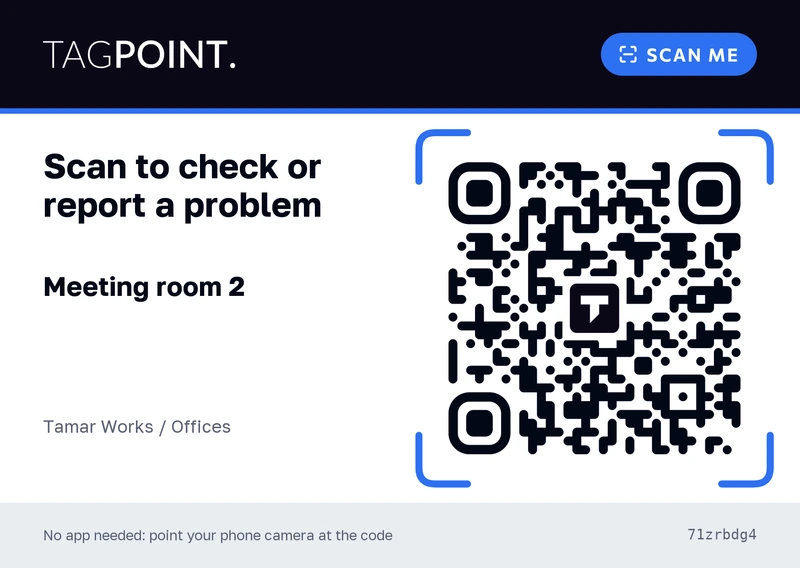
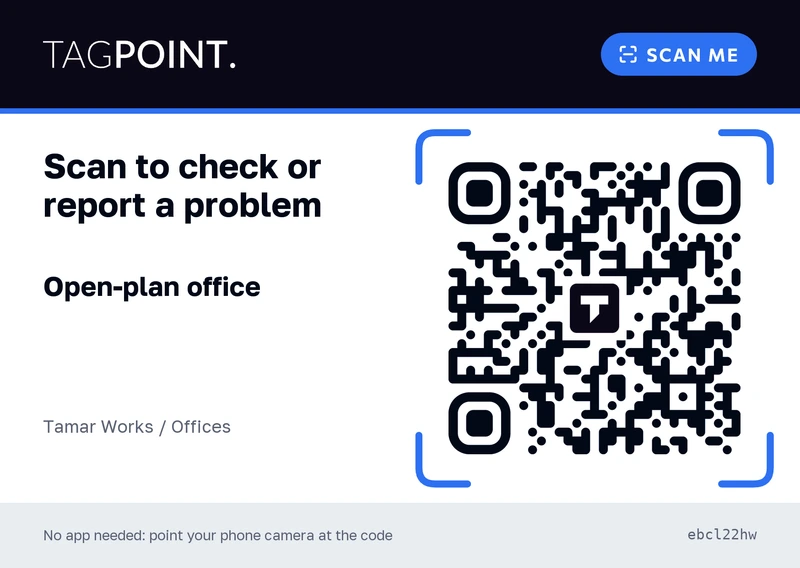
Real QR labels from our demo works: run a check or report a fault from your phone. No app, no sign-in.
Scan a live demo
Real QR labels from our demo works: run a check or report a fault from your phone. No app, no sign-in.
Blog
Practical guides to safety checks and the rules behind them.
Free templates
Printable check sheets for vehicles, forklifts, machines and more.
Case studies
How teams moved their checks off paper.
Video
Demos on our YouTube channel.
Help centre
Guides to setting up and using TagPoint.
GDPR compliance
How we protect your privacy and personal data.
Scan a live demo. No app, no sign‑in.
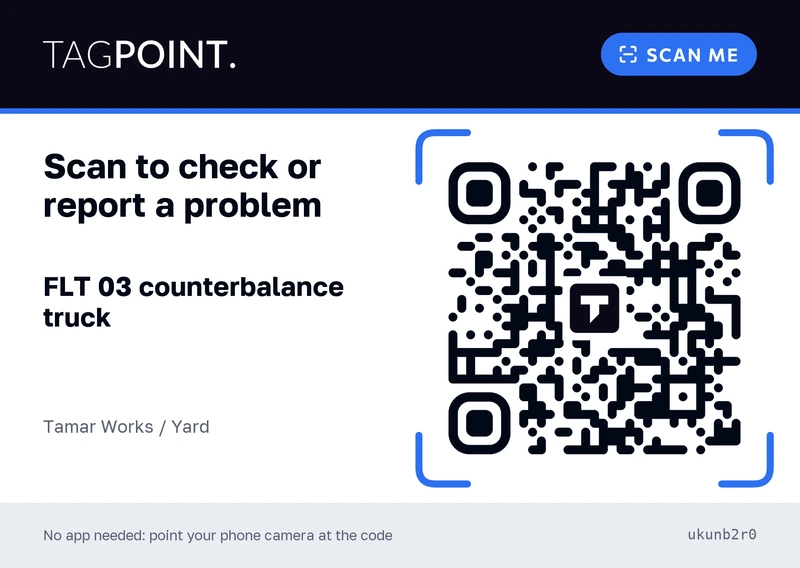
Tamar Works is our demo company: a made-up works with a yard, a warehouse, a recycling line and offices. Scan its labels with your phone camera to run a real check or report a problem.
straight into the check
a check or a report
report a problem
office requests
Four ways a QR label can work, ten labels to try.

how to try it
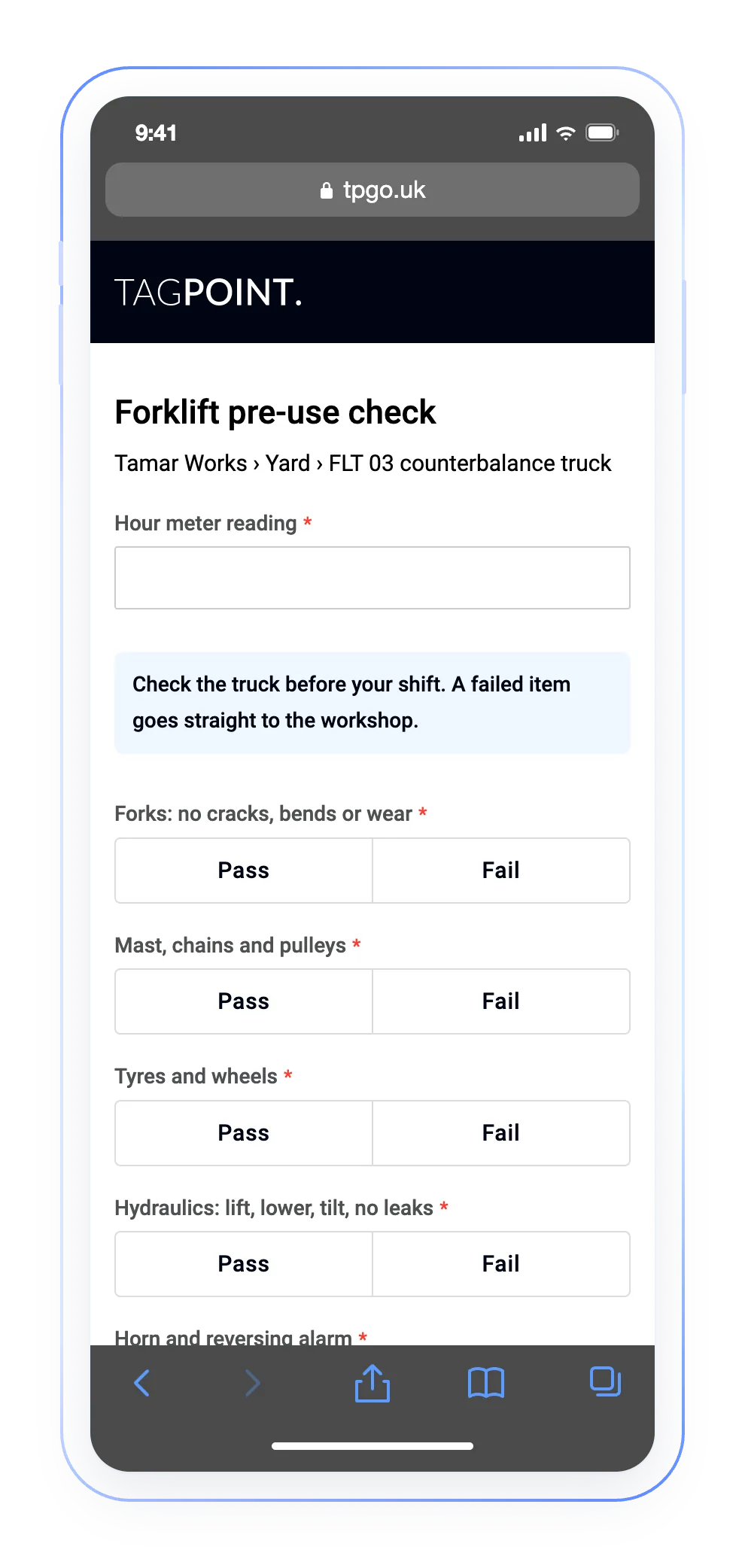
Answer Fail on one item to see the issue it raises
It goes to the supervisor with a deadline. Demo issues close themselves when the deadline passes, so the demo stays tidy.
Scan a labelFail one itemSee the issue
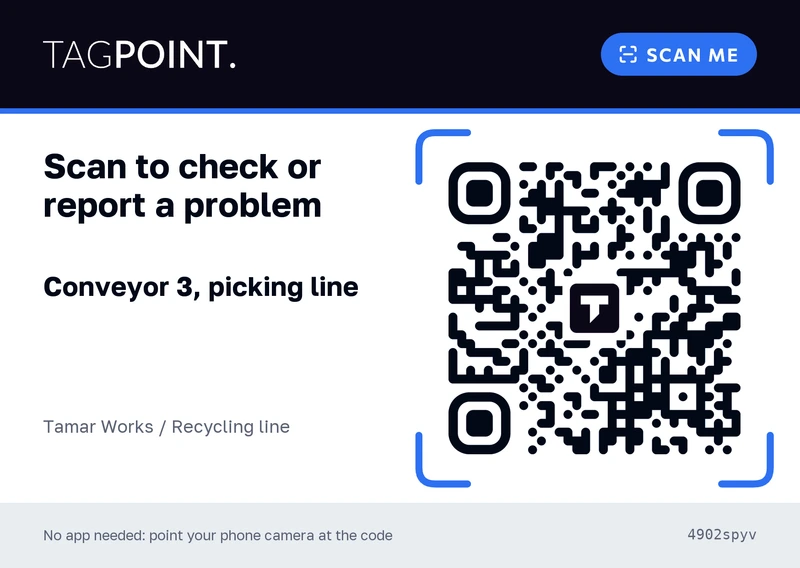
1. Straight into the check
The label opens its checklist at once. Fill it in, press Send, done.
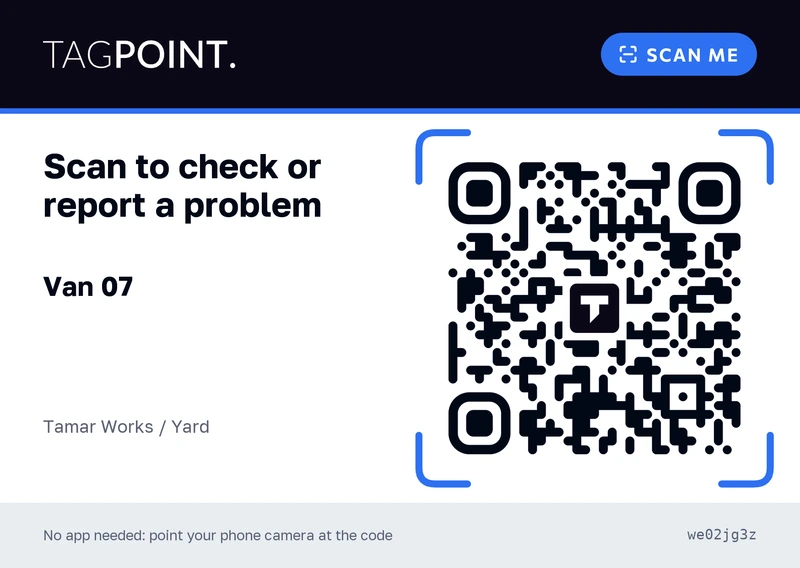
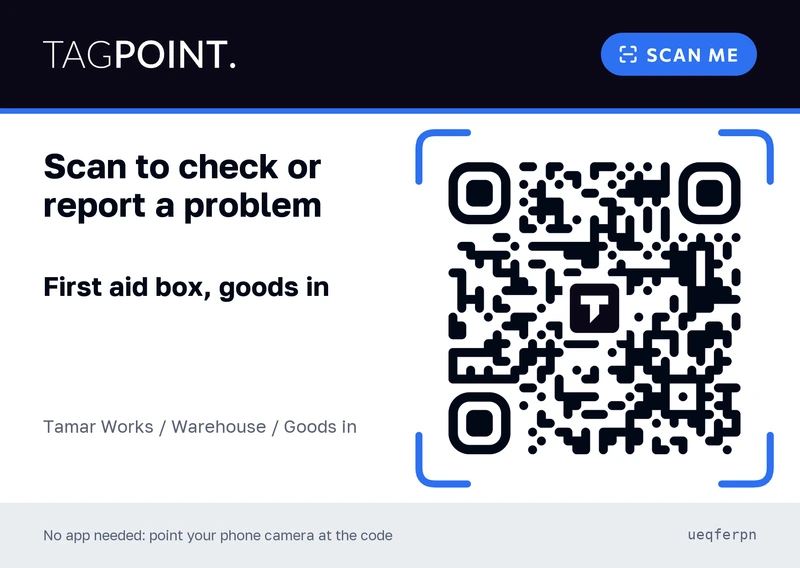
2. A check, or a way to report a problem
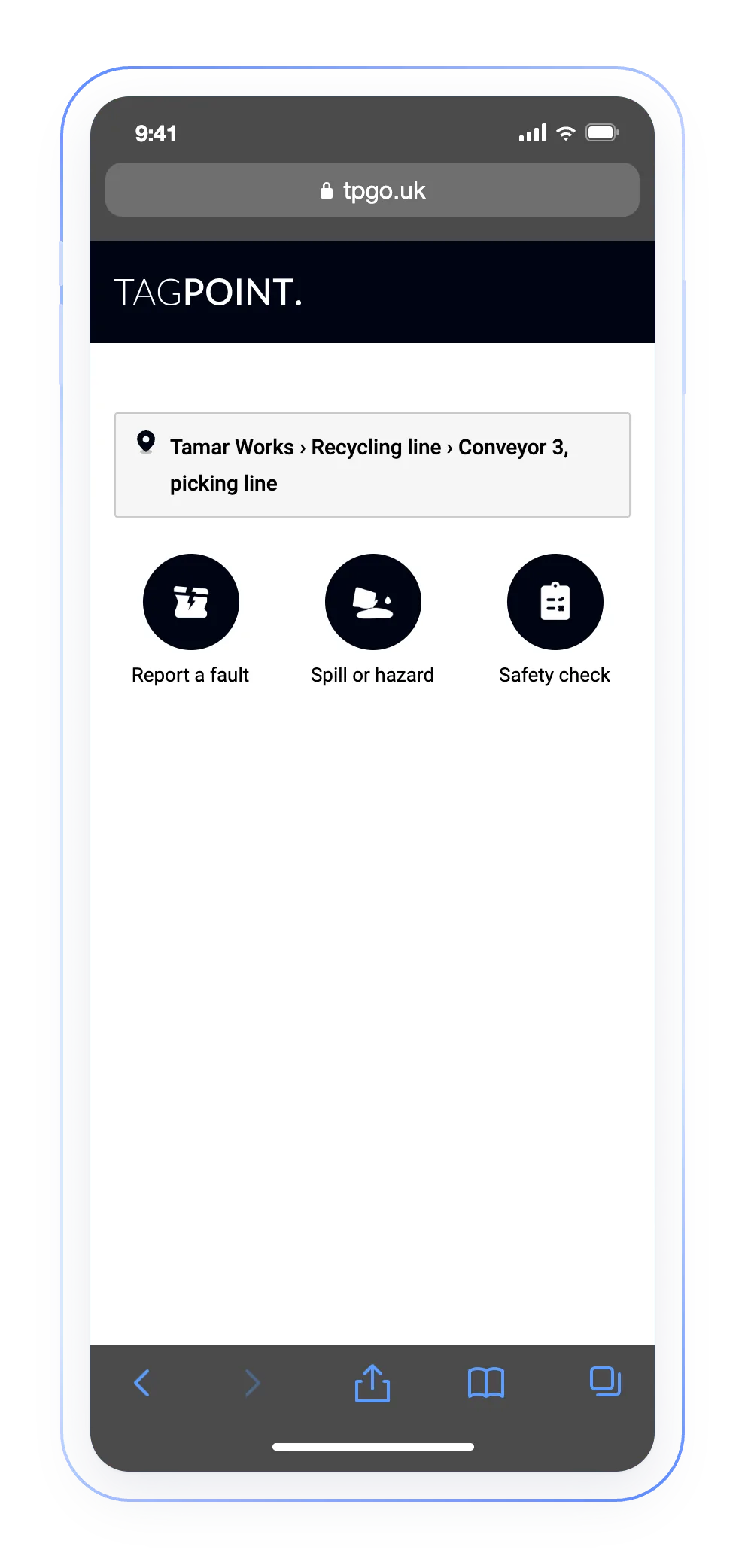
One label offers a short choice: the safety check, a fault or a spill.

What you see after scanning
The same label serves the fitter doing the check and anyone who spots a problem.
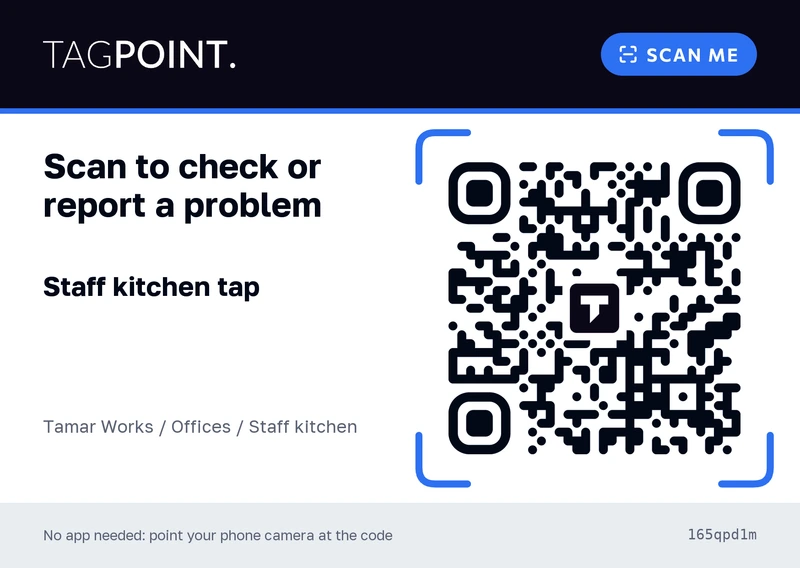
3. Report a problem
A label with no check on it, just a quick way to report.
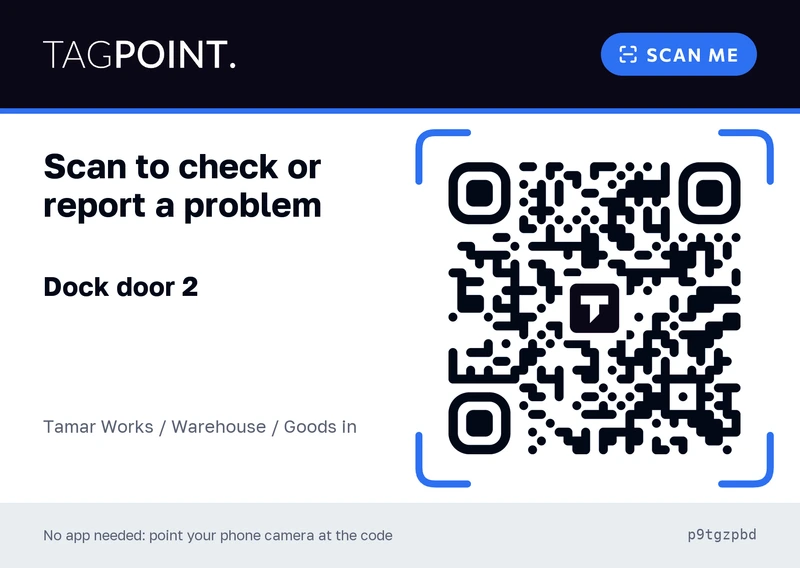

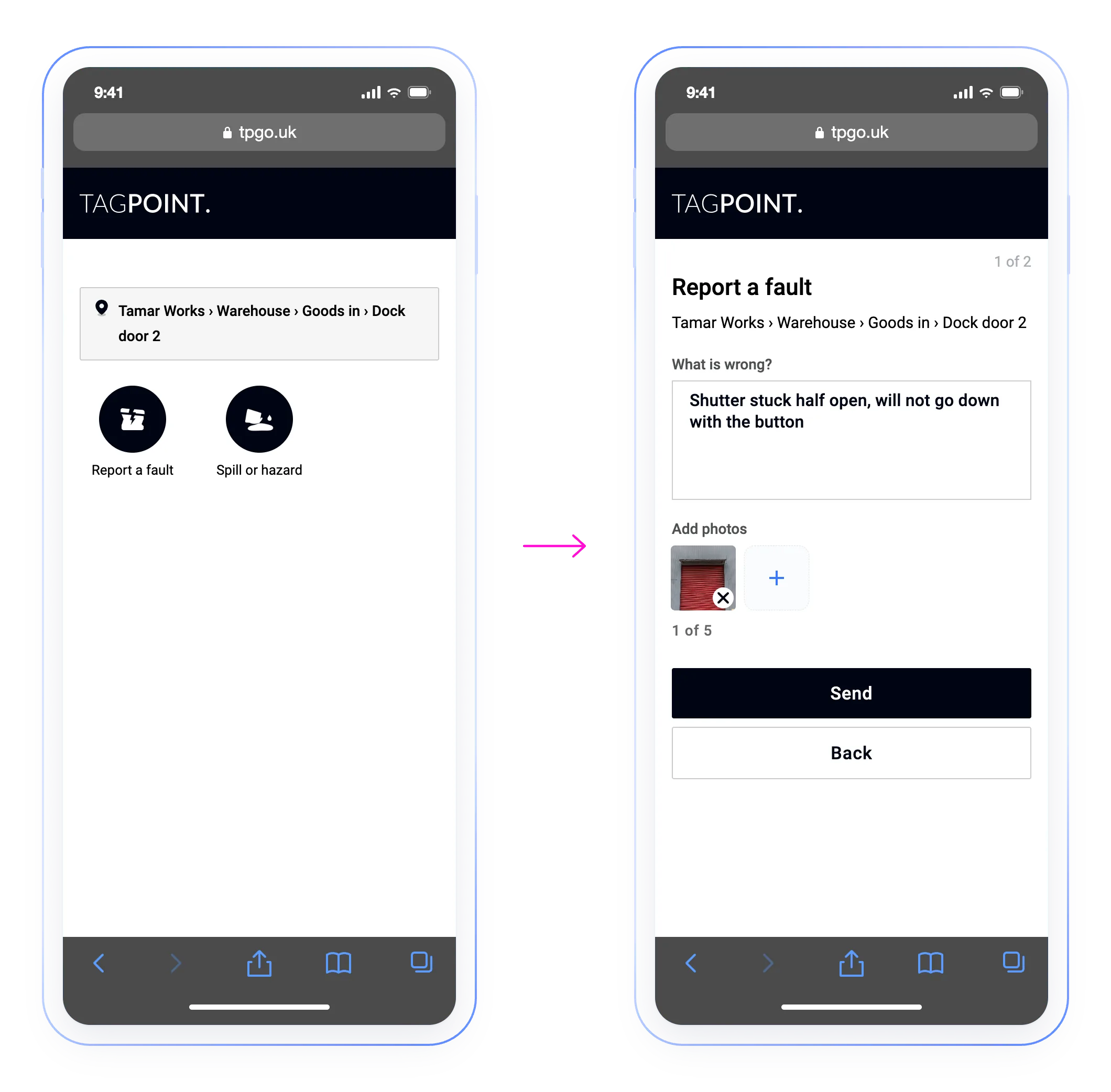
4. Office requests and the cleaning log
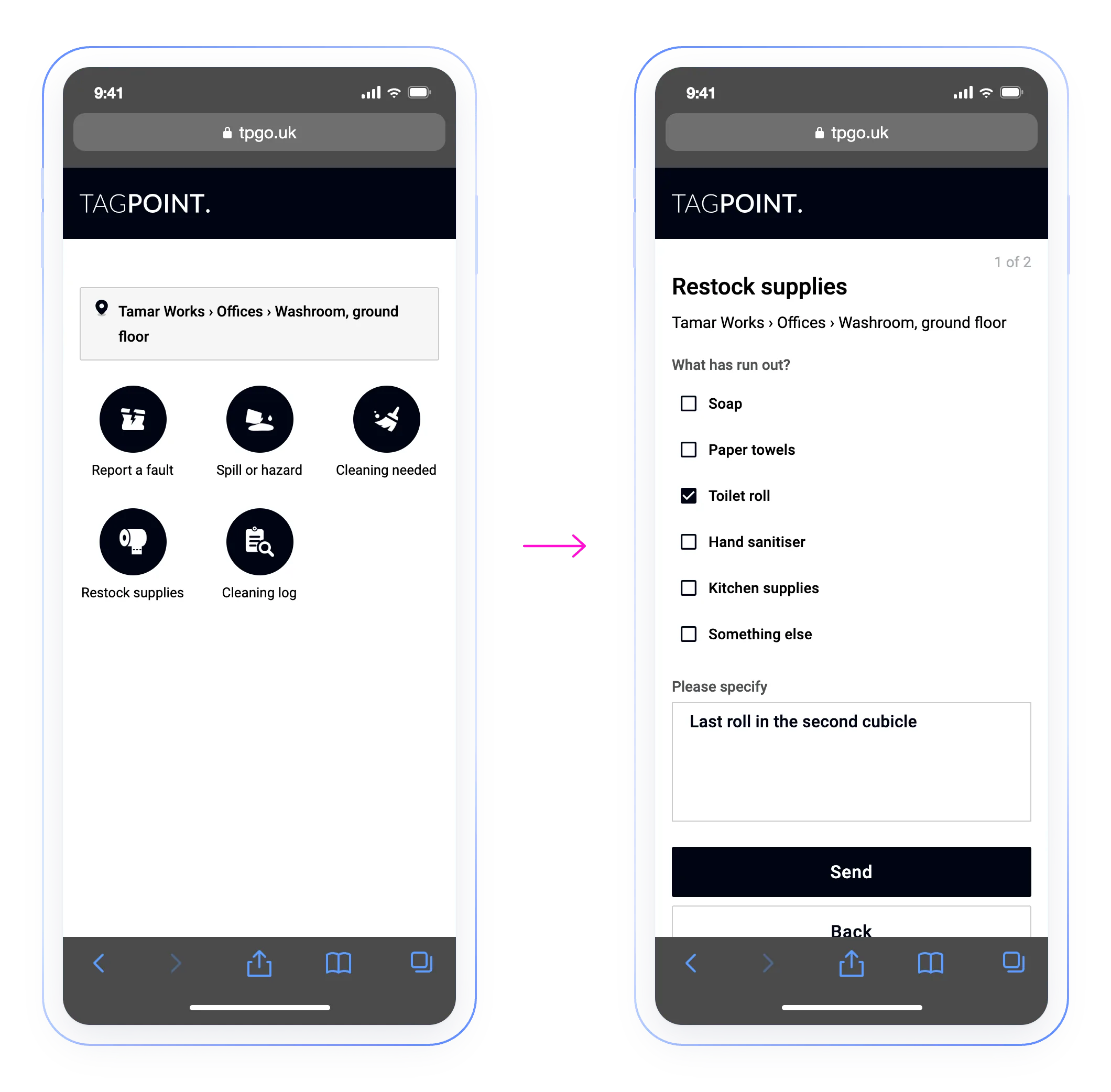
Washrooms, kitchens and meeting rooms: ask for cleaning, a restock or help, or log a clean.

Washroom, ground floor
Cleaning needed, Restock supplies, Report a fault, or the cleaning log.
On your phone? Tap here →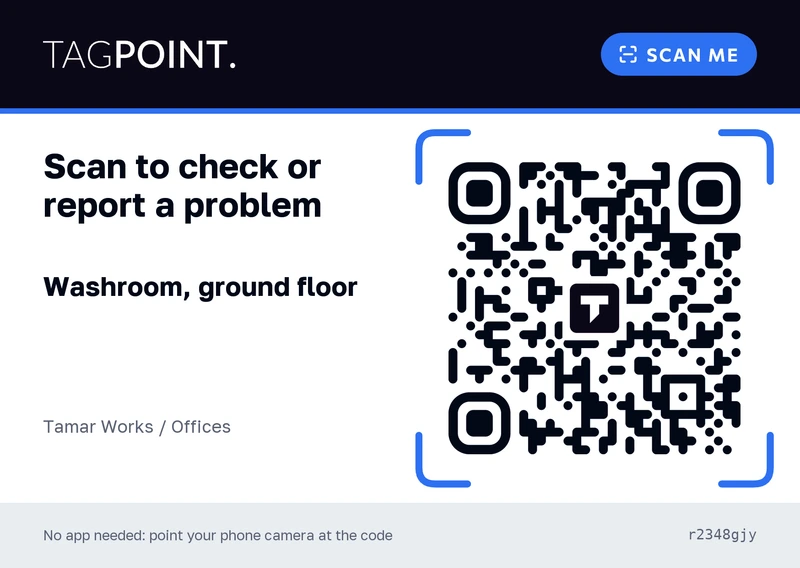

What happens next at Tamar Works

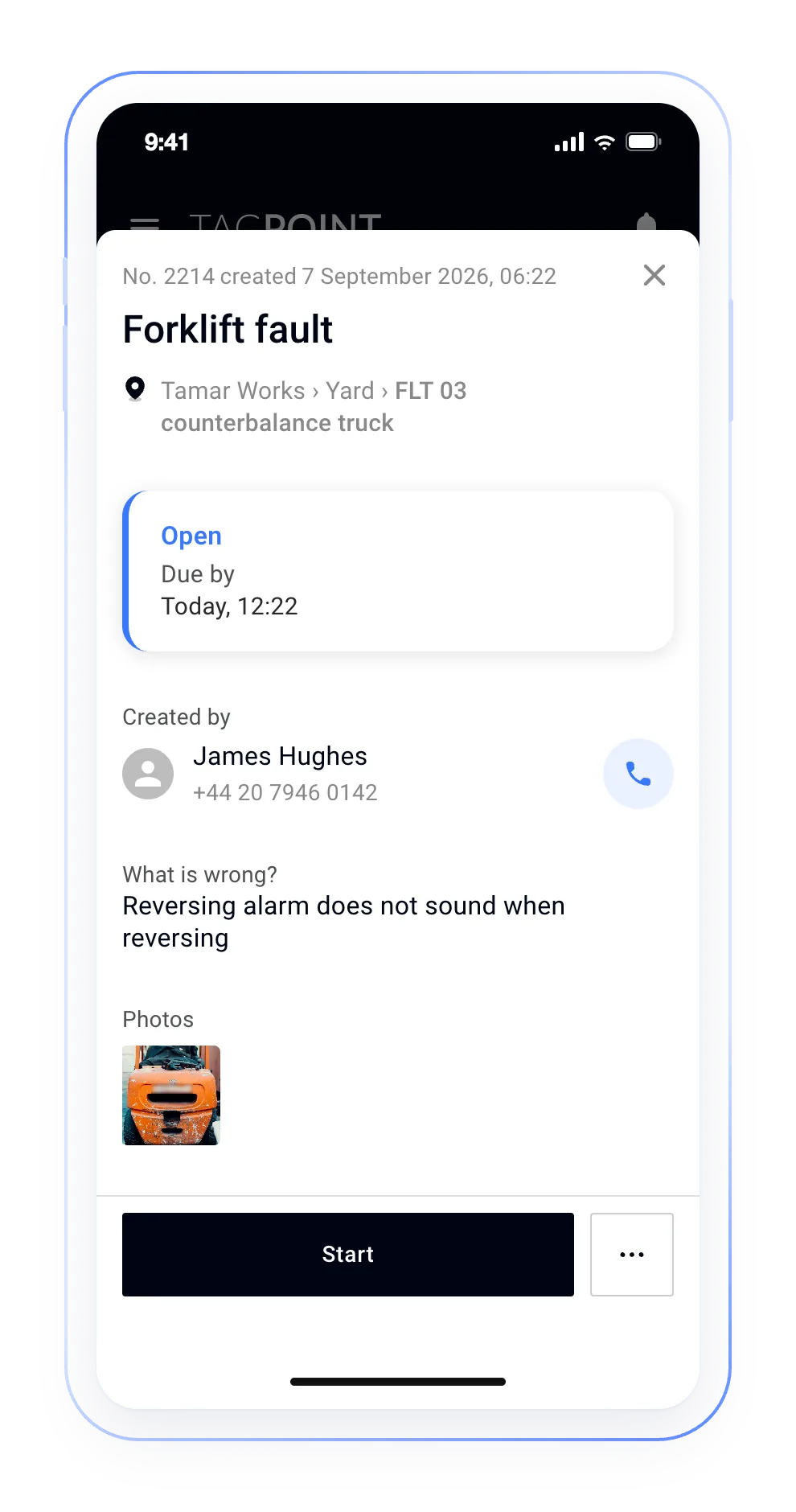
The supervisor's phone
A fail on FLT 03 reaches Emma Walker, the workshop supervisor, with a deadline.

The manager's list
Every open issue across the site, with the overdue ones at a glance.
How issues work →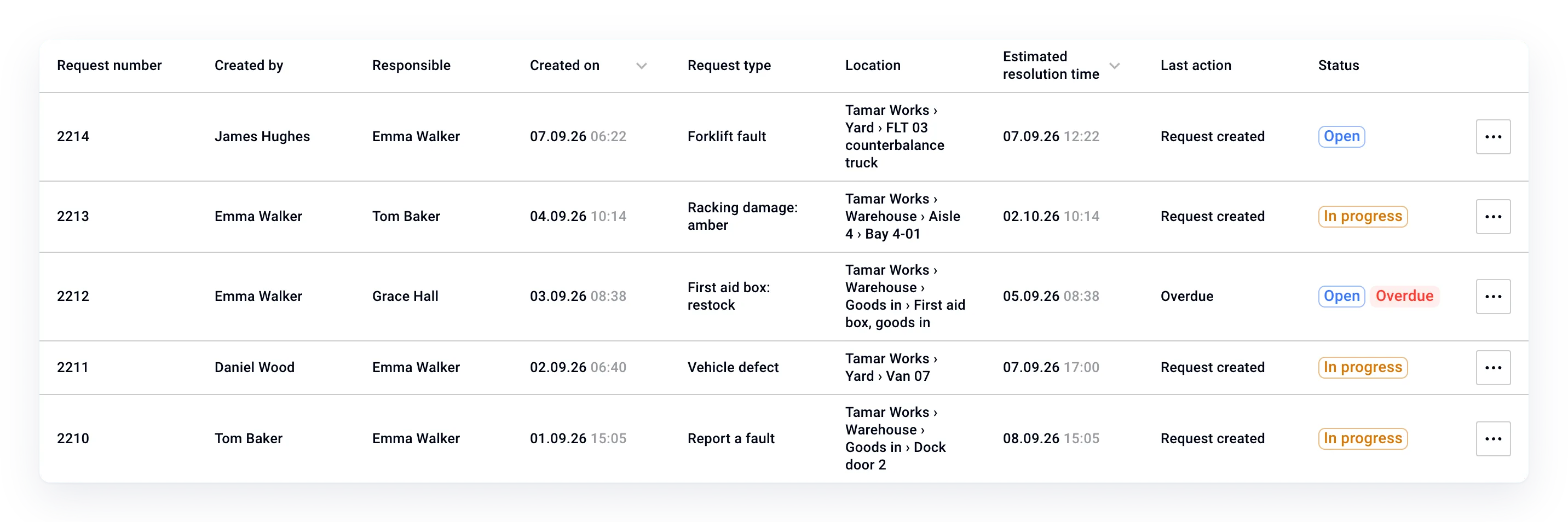
Tamar Works and its people are made up: James Hughes the operator, Emma Walker the workshop supervisor, Tom Baker the warehouse manager, Grace Hall the health and safety manager, Sophie Clarke the office manager and Mark Evans the cleaner. It is a public demo, so please use made-up text and photos.
Want this on your own site?
On a short call we set up your first labels and checks, so you can scan them the same day.