


Faults in a factory are spotted by the people who walk past them: a leaking pipe in the warehouse, a flickering light over a workbench, a broken handrail on the stairs to the mezzanine. Whether they get fixed depends on whether those people can tell someone easily, and whether anything visibly happens when they do. This is the story of one plant that got that right on its third attempt.

About the client
Company
A European engineering manufacturer's plant
Goals
Give every employee, including production and warehouse staff, one simple way to report a fault
Send each report straight to the person who fixes it, with a deadline
Get a clear view of the workload of the site team and its contractors
Results
Live in one month, with 200 QR labels and more than 20 problem categories
More than 70% of jobs closed by their deadline
More than 40 employees reporting regularly, 18 months on
try free for 30 days
Get your safety checks off paper in a day
Free for 30 days, no card needed

Quick start
The plant and the problem
The plant belongs to a European engineering manufacturer. It is a large, mixed site: production halls, warehousing, a big office and staff building, and grounds with car parks and outdoor areas.
| 38,000 m² | 6,000 m² | 250 | 20 |
|---|---|---|---|
| total site area | offices and shared areas | people on site | people in the site services team |
A team of about 20, covering building maintenance, site services, administration, security and health and safety, kept the site running. Their problems will sound familiar to anyone who looks after a factory:
- No single way to report a fault. Reports came in by phone, by email and in passing in the corridor. Nothing recorded them all in one place.
- Reports got lost, and people heard nothing back. Staff couldn't see whether anything was happening, and started to wonder whether it was worth reporting at all.
- Managers acted as switchboards. Reports went to a manager, who forwarded them to whoever could fix them, then chased for an answer.
- No view of the workload. It was impossible to see how busy each technician was, or how quickly contractors responded. Records were split between spreadsheets, paper logs and people's memories.
- Production and warehouse staff were cut off. Office staff could at least email. People on the shop floor often had no practical way to report anything.
Two attempts that didn't stick
The team had already tried twice to fix this.
The first attempt was a web page with a single QR code for the whole site. Reports landed in a shared mailbox, where they were easy to miss and impossible to track.
The second was a ready-made system offered by an outside service contractor. It worked, technically, but staff found it awkward to use, there was no way to follow a report, and it gave managers no useful figures.
Neither stuck. Worse, staff stopped believing that scanning a QR code would lead to anything. For the team, that was a real risk: a third failure would have made the next attempt much harder still. They went into the third one knowing it had to work for everyone, including shop-floor staff, from day one.
What they set up in one month
From first conversations to full launch took one month. The plant needed no custom development: the standard set-up covered what they needed.
| 1 month | 200 | 20+ |
|---|---|---|
| from start to launch | QR labels | problem categories |
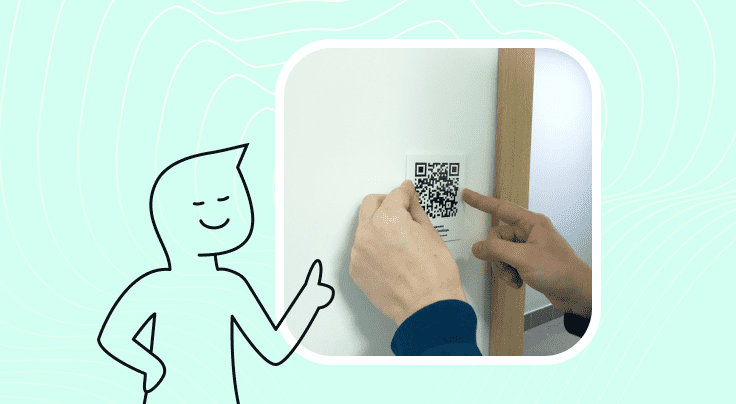
Labels wherever a problem might be spotted. Because QR codes had let people down before, the team took particular care with them. Labels went up in production areas, the warehouse, offices, toilets, lifts, coffee points, car parks, meeting rooms and even the staff shuttle buses. Each label was linked to its exact place as it went up, which saved a lot of sorting with 200 labels to place.
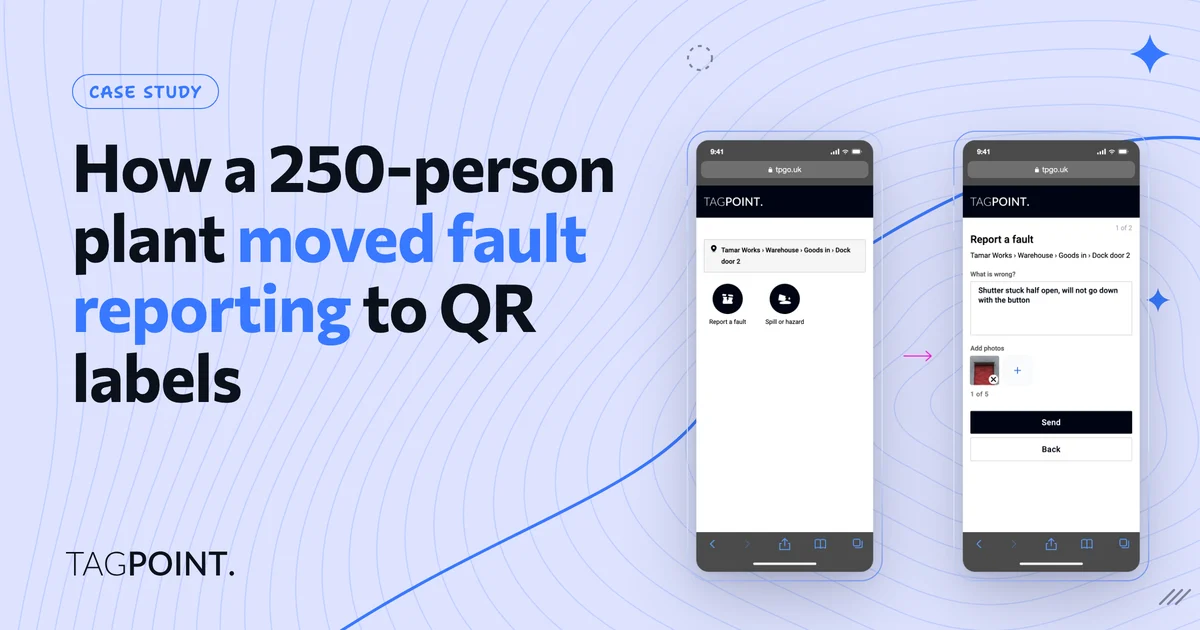
No app and no login needed to report. Anyone could scan a label with their phone camera, describe the problem and send it from the phone's browser. The plant allowed anonymous reports. The trade-off is that an anonymous reporter can't follow what happens next, but in the early months getting the report at all mattered more.
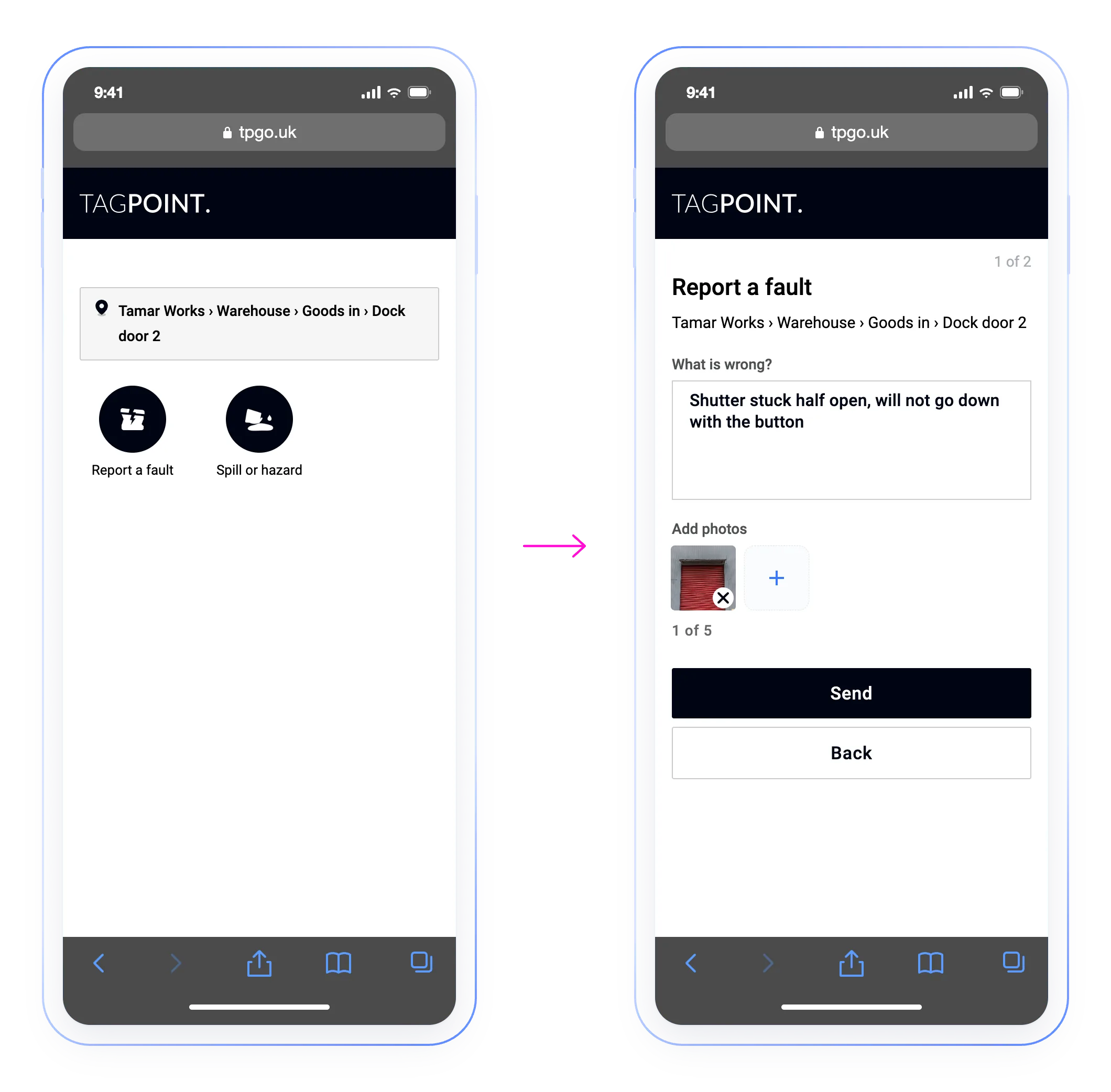
Scan the label with the phone camera, describe the problem, send. No app needed
Each category goes straight to the right person. Over 20 categories, from electrical faults to cleaning, each went directly to the person or team who deals with it, with a deadline. Nobody had to forward anything, and the person doing the job closed it when the work was done.
Managers see everything in one place. Every report, its status and its deadline, with reports for the weekly meeting.
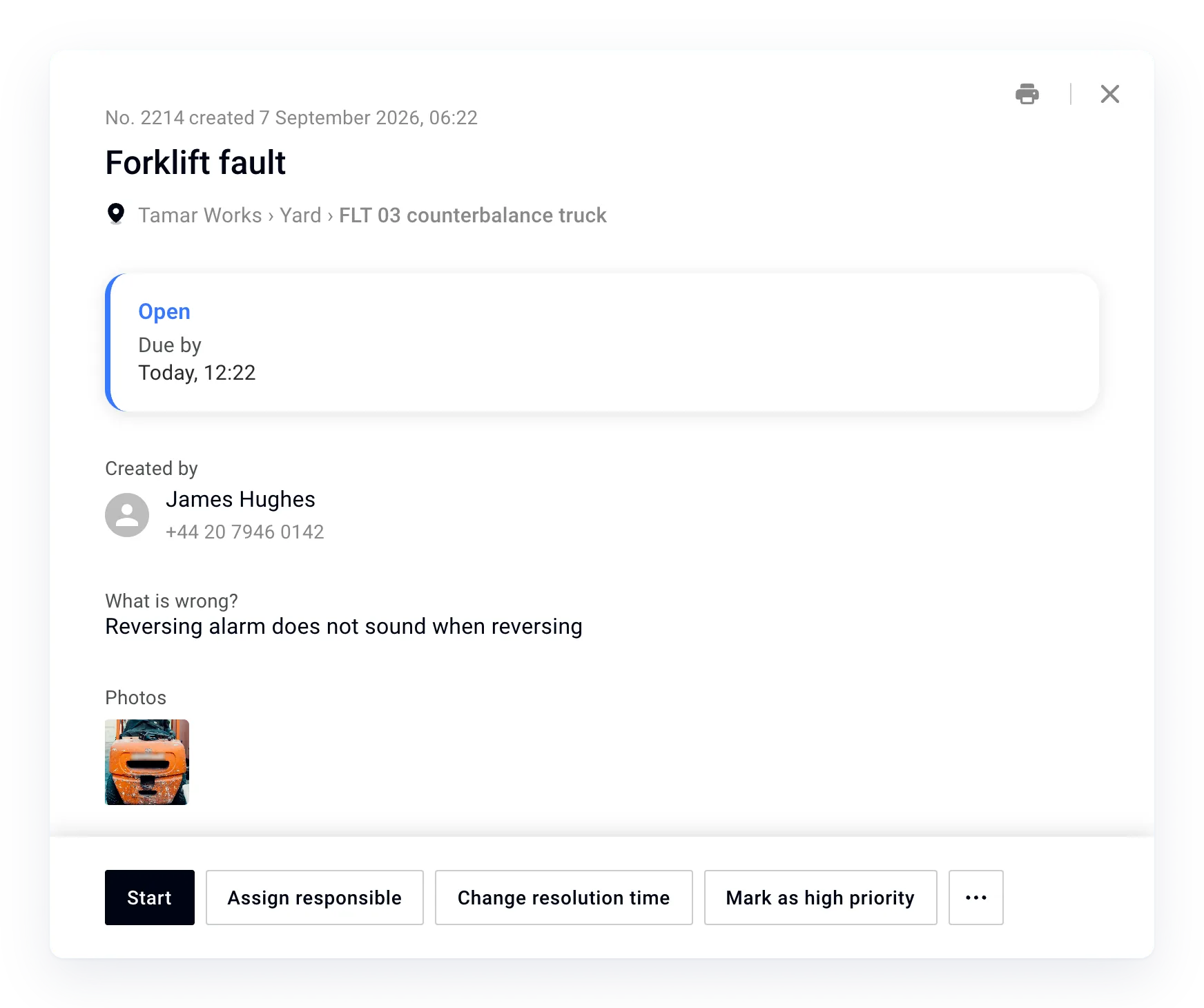
Each report or failed check becomes an issue with an owner, a deadline and a full history
Getting people to use it
The plant treated the launch as a communication job, not just a technical one. For the first months, they announced it through every channel they had, and they rewarded the people who reported most. Shop-floor staff, who had been left out before, were the main focus.
The most important part was simple: when people reported something, it got fixed, and they could see it. That is what rebuilt trust after the two earlier attempts.
Results after 18 months
Eighteen months after launch, the system had become the normal way to get things done on site.
| 18 months | 1,850+ | 70%+ | 40+ |
|---|---|---|---|
| in use | entries logged | closed by their deadline | employees reporting regularly |
- More than 1,850 entries went through the system across all its uses, with small repairs the most common kind of fault report.
- More than 70% of jobs were closed by their deadline, and managers could see exactly which ones were not.
- More than 40 employees report regularly, including production and warehouse staff who previously had no way in.
- People bring all sorts of jobs to it, from moving equipment to ordering new shelving. The question "who do I tell?" has a single answer.
- Managers stopped forwarding. Reports go straight to the person who does the work, which frees managers for everything else.
- The team has a fair picture of its work, including how busy each technician is and how quickly contractors respond.
The plant's next steps were planned maintenance and scheduled checks for the building and cleaning, using the same labels and the same app.
Lessons for a UK factory
The plant was outside the UK, but nothing about the lessons is local.
- A failed launch costs trust, and the second one costs more. Get the labels, categories and owners right before you go live, not after.
- Put labels where problems are seen, not where it is convenient for the maintenance team. That includes the shop floor, the yard and vehicles.
- Don't make people install anything to report a problem. A phone camera and a browser are enough.
- Route every category to a named person or role, with a deadline. The moment a manager has to forward reports by hand, the system slows down.
- Tell people it works. Publicise the first fixes. People report more when they see results.
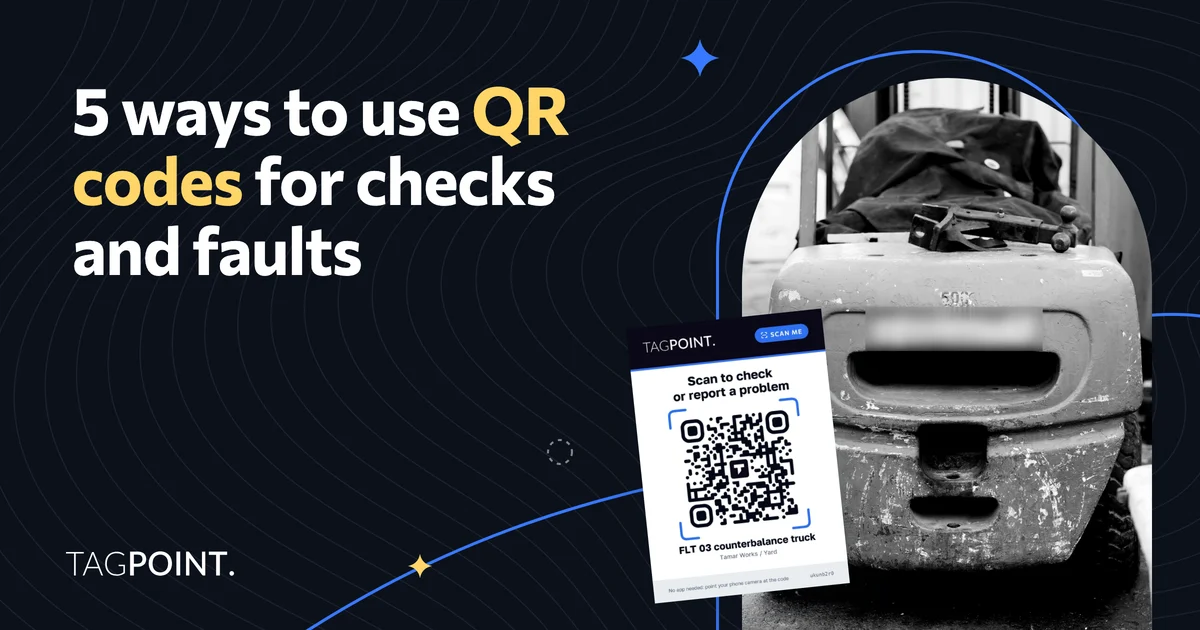
- Start with fault reports, then add scheduled checks. The same QR label on a forklift or a fire door can open the pre-use check for staff and the problem report for everyone else.
In TagPoint, anyone can scan a QR label to report a problem from their phone's browser, without the app. Each report becomes an issue for the right person or role, with a deadline, and the manager is told if it runs late. Staff with the app use the same labels for their checks. See how this fits a manufacturing site, or read which safety checks to digitise first.
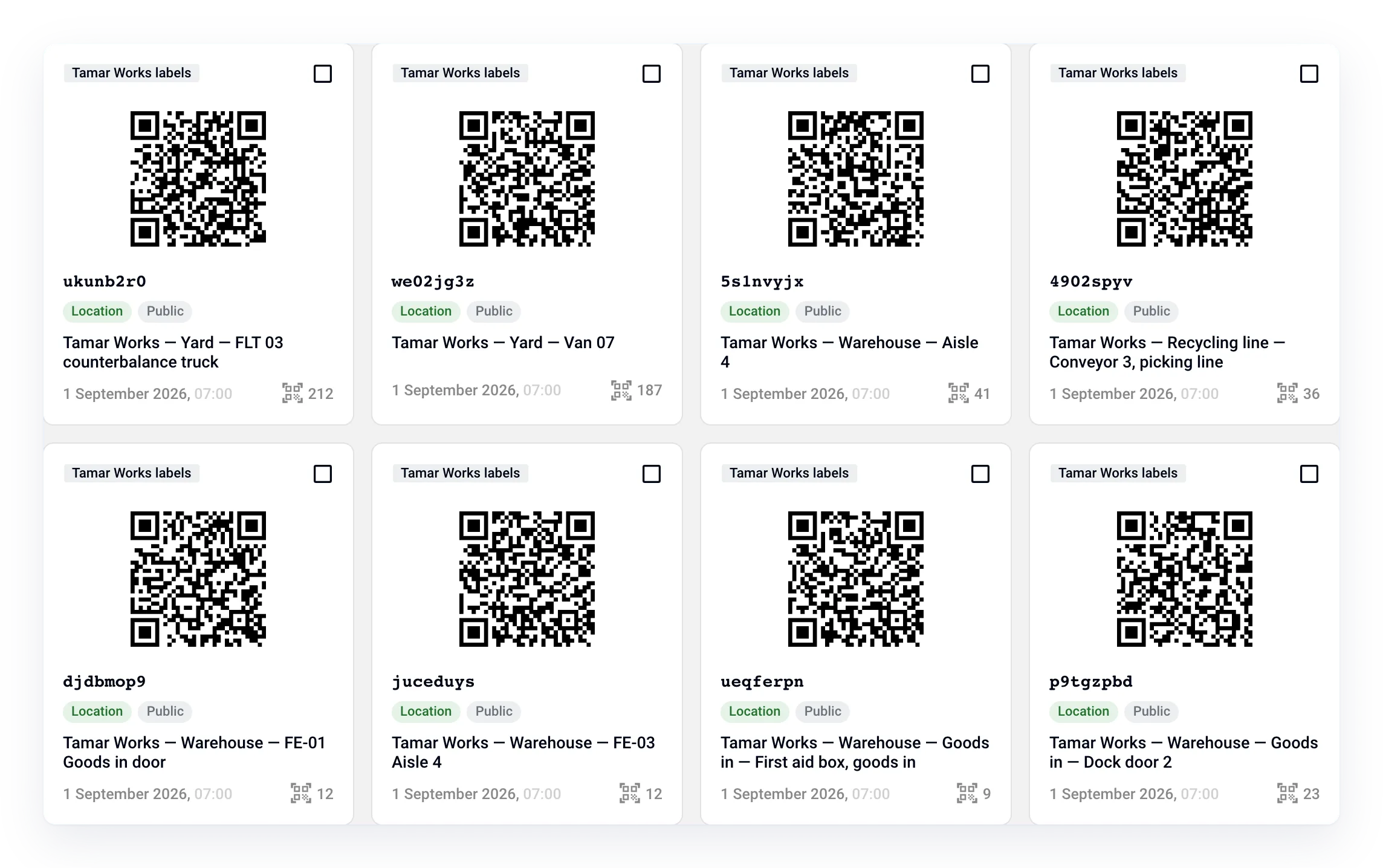
QR labels ready to print. We can print durable labels for you