


Most safety checks in UK workplaces still end up on a clipboard: a forklift sheet in the cab, a fire log in the office drawer, a racking sheet pinned to the end of an aisle. That works until someone asks to see the records. This article looks at who asks, what they actually want to know, and where paper and digital records differ.
try free for 30 days
Get your safety checks off paper in a day
Free for 30 days, no card needed

Quick start
Who asks to see your checks
Records of checks are rarely asked for on a quiet Tuesday. They are asked for after something has gone wrong, or when someone outside the business needs to be satisfied that things are under control. The usual people are:
- An HSE inspector, or the local council for premises such as shops and offices, on a routine visit or after an accident, a near miss or a complaint.
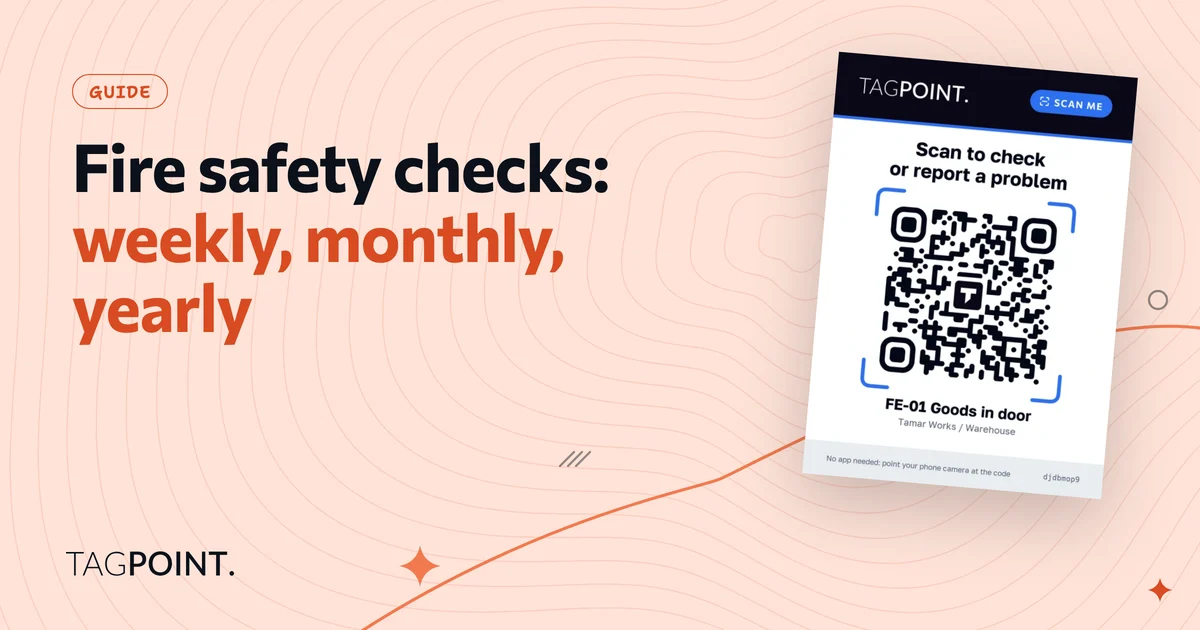
- A fire safety officer from the fire and rescue service, who will usually ask for the fire risk assessment and the fire log book.
- Your insurer or broker's surveyor, at renewal or after a claim. Employers' liability and property insurers often ask for inspection and maintenance records.
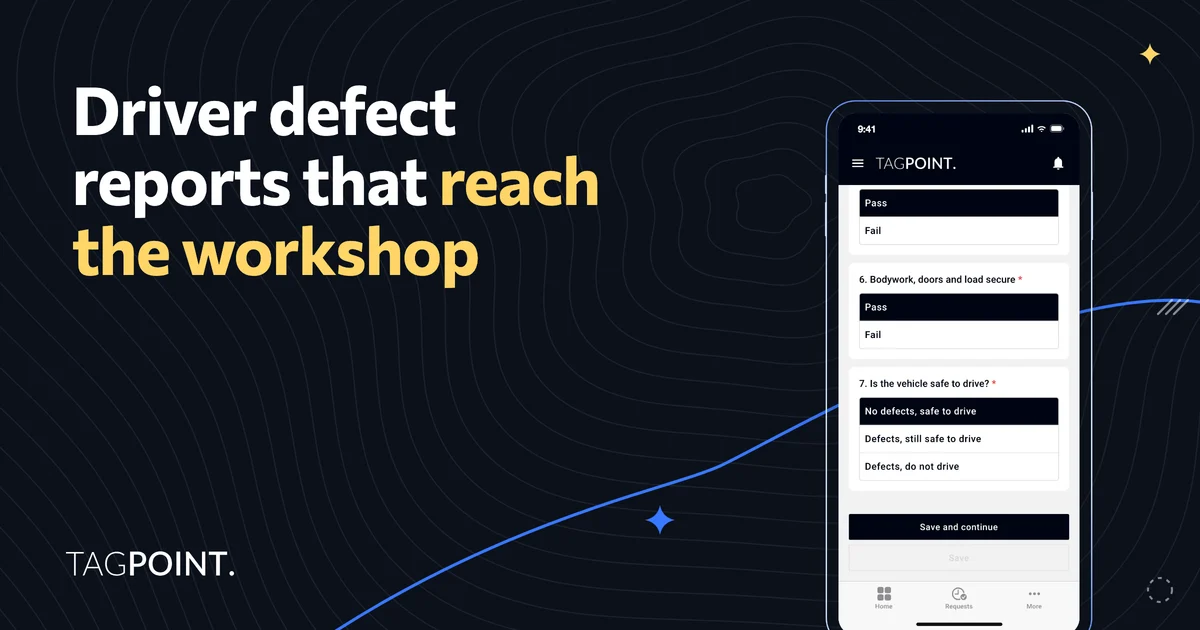
- A DVSA traffic examiner, if you run vehicles under an operator's licence, who will want driver defect reports and maintenance records.
- A large customer's auditor or your own head office, who want the same answers for every site.
- A solicitor, if someone is injured and makes a claim. Claims can arrive long after the event, when the person who did the check may have left.
None of them want a stack of paper for its own sake. They want to know whether you were doing what you said you would do, and whether you acted on what you found.
The five questions they all ask
Whatever the check, the questions are almost always the same:
- Was the check done? Every day, every shift, every item, or only most of them?
- Who did it, and when? A name and a time, not initials and a week number.
- What did they find? Including the items that were fine, so it is clear they were looked at.
- What happened next? Who was told about a fault, what was done, and when it was closed.
- Can you show it now? For a specific item and a specific date, without a day of searching.
If your records answer these five questions quickly, most conversations are short. If they do not, the conversation moves on to why not.
Where paper check sheets fall short
Paper is cheap, needs no training and works without a signal. Its weaknesses only show up later.
Gaps nobody notices. A missed day on a paper sheet is just an empty box. Nobody sees it until someone flicks back through the file, often months later.
The perfect sheet. A column of ticks in the same pen, all done at the end of the week, looks exactly like a sheet that was filled in properly every morning. Paper cannot show when an answer was written or whether the person was standing next to the truck.
Faults that stop at the sheet. "Brake feels soft" is written down, and that is the last anyone hears of it. The sheet proves the fault was known about, but nothing shows who fixed it or whether anyone did. A fault that was recorded and then ignored is harder to explain than one that was never spotted.
Lost, wet and unreadable. Sheets live in cabs, on clipboards and in drawers at other sites. Some are lost, some get rained on, some cannot be read.
Slow to search. Finding last March's checks for forklift 3, or every fault on one rack in a year, means going through the files by hand.
| The question | Paper check sheet | Digital check |
|---|---|---|
| Was it done? | Only if every box is filled in, and nobody sees the gaps until later | Missed checks show as overdue on the day, and a manager is told |
| Who and when? | Initials and a date, written whenever | The person's name and the time it was saved |
| What did they find? | Ticks, and a few words in the margin | An answer for each item, with a comment and photo for every failed one |
| What happened next? | Usually not on the sheet at all | An issue with an owner, a deadline and a history of who closed it |
| Can you show it now? | After a search through the files | Filter by item or date, print it or export it to Excel |
What a digital check record shows
A digital check is not a scanned copy of a paper sheet. It is the same list of questions, answered on a phone, with the record built as the person goes. In TagPoint it works like this:
- Each item, whether a vehicle, a truck, a machine, a rack or an extinguisher, has its own QR label. Scanning it opens the right check for that item, so nobody has to choose from a list.
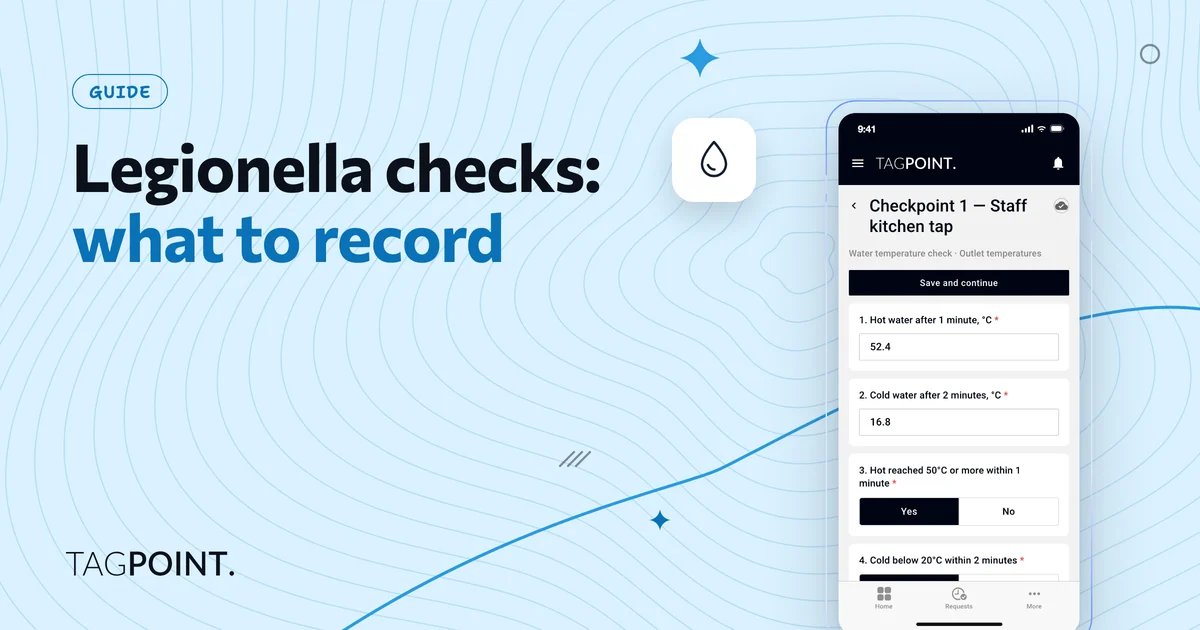
- Each question is answered as pass or fail, as a choice of levels (for example no damage, minor, significant), or as a number with limits, such as hours, mileage or a temperature.
- A failed answer asks for a comment and a photo, so the record shows what the person actually saw.
- The check is saved with the person's name and the time.
- Each failed answer can raise its own issue, assigned to a named person or a role, with a deadline. If it is not closed in time, the manager is told.
- Scheduled checks (every shift, daily, weekly, monthly) have deadlines too, so a check that was not done shows up the same day rather than at the next audit.
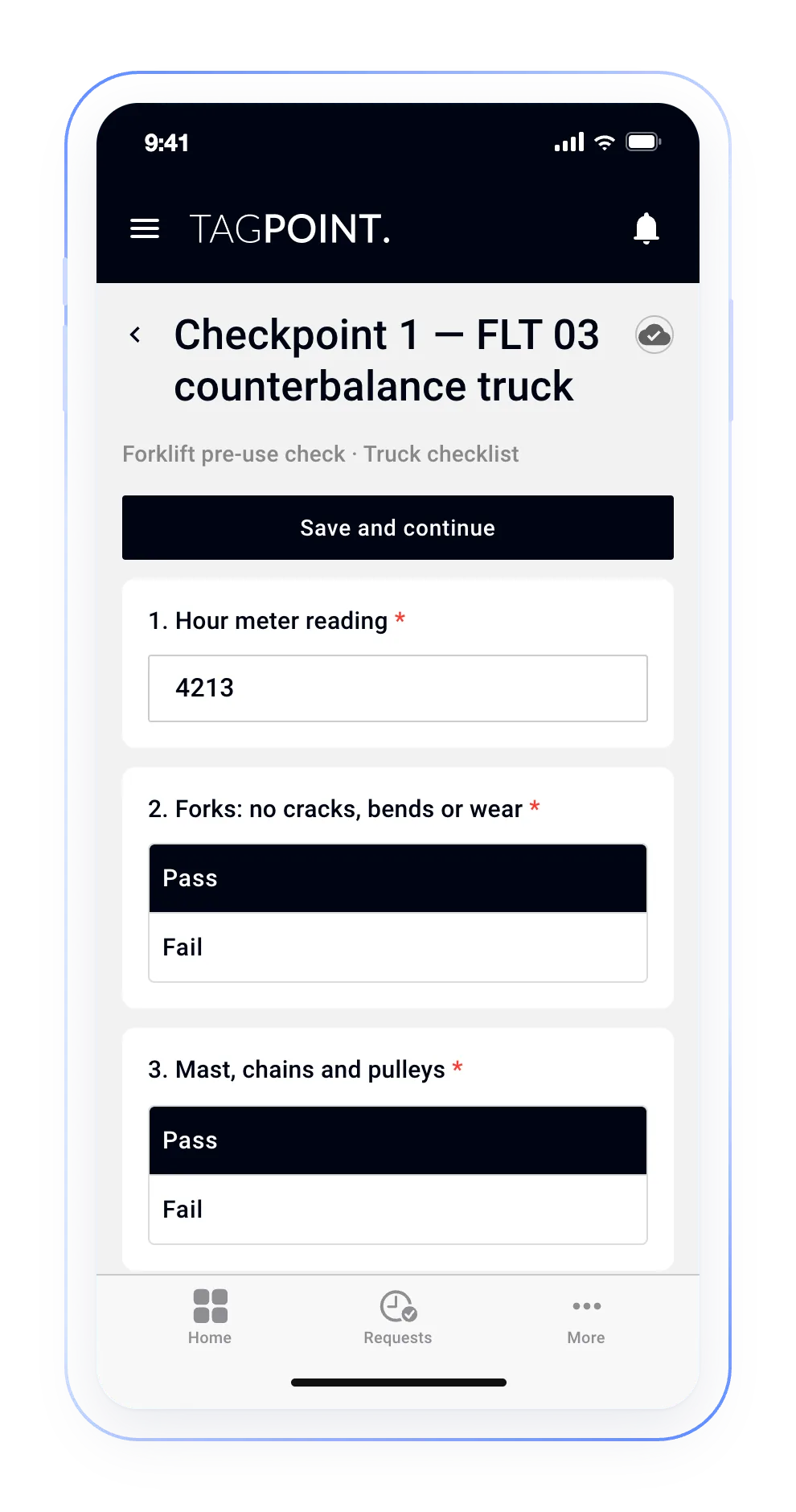
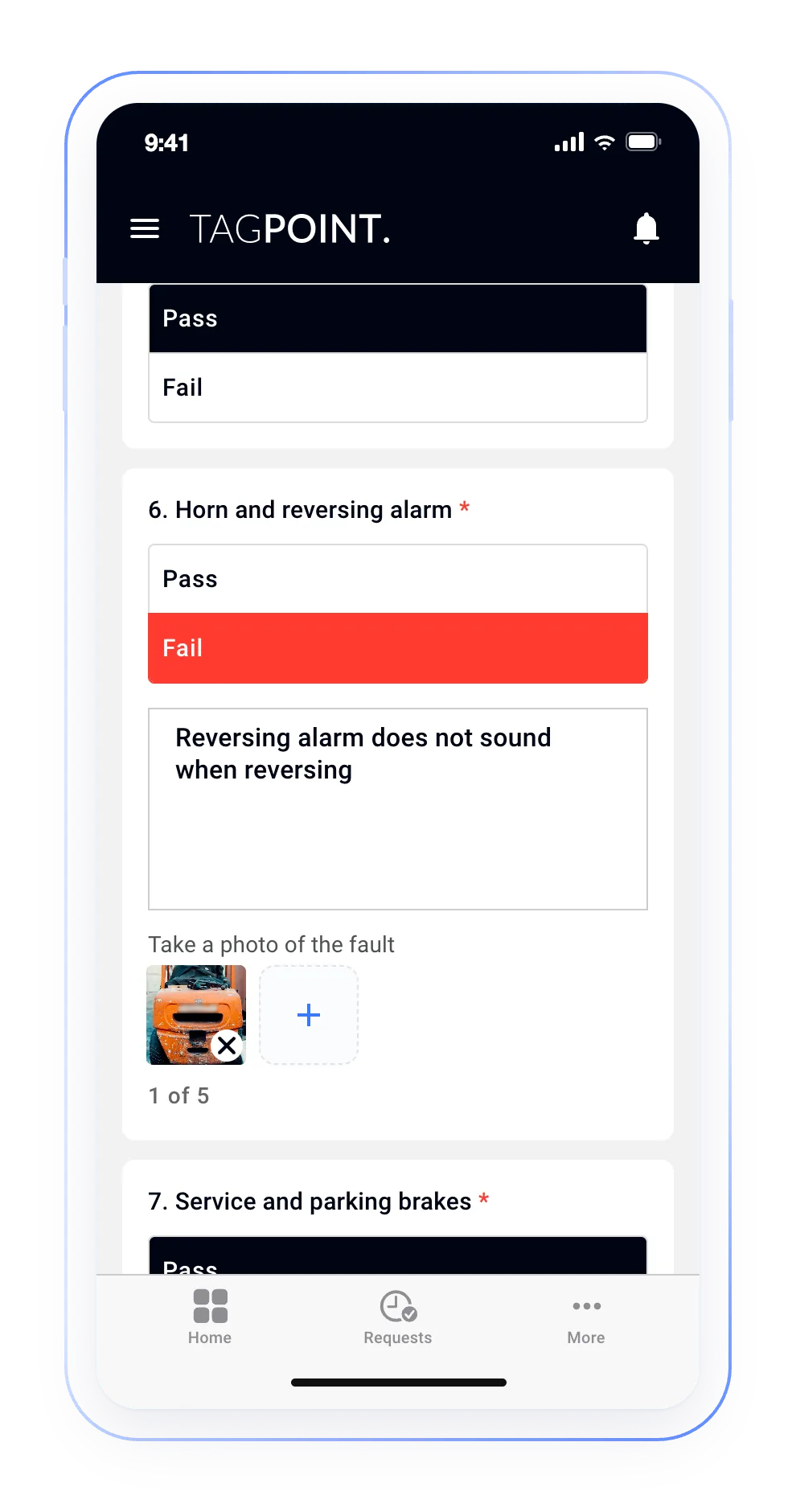
A pre-use check on a phone, and the comment and photo a failed item asks for
For a manager, the result is a checks log: every check with who did it, where, when, how far they got and how many items failed. You can open any one of them, print it as a record, or export a report table to Excel for an auditor.
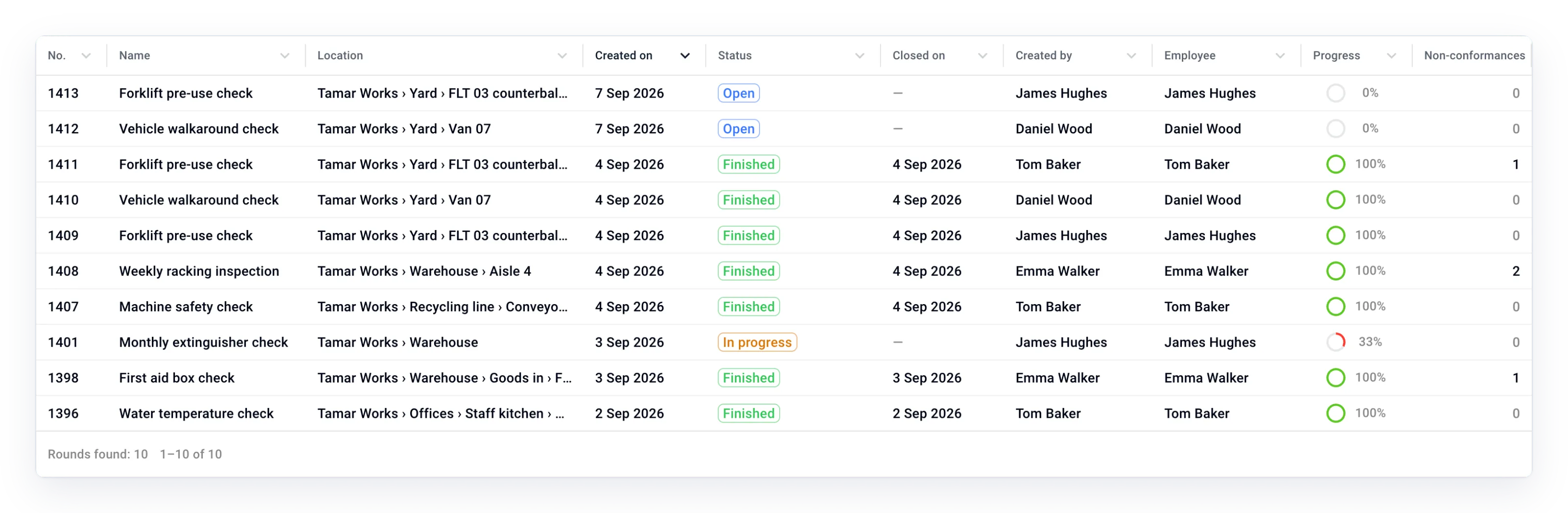
The checks log: every check with who did it, where, when, progress and failed items
It is worth being honest about the limits. A digital record does not make a careless check careful. Someone can still tick through a list without looking. What changes is that the easy way and the honest way become the same: the check starts by scanning the label on the item, a failed item cannot be saved without a photo, and every fault has an owner until it is closed. Spot checks by a supervisor still matter.
TagPoint helps you keep the records of your checks and the follow-up. It does not make a business compliant on its own, and this article is not legal advice. For the rules that apply to your site, check the HSE's guidance or ask a competent adviser.An example: from pickup sheets to QR scans
The same problem shows up well outside safety checks. One waste collection operator we work with used paper pickup sheets as proof of each collection. At every stop, the driver had to find someone from the customer's business to sign the sheet. Sometimes that took half an hour. Sheets went missing, some came back without the customer's details, and when a customer queried a bill, the proof was spread across paper sheets, photos in a chat app and the dispatcher's spreadsheet.
The operator replaced the sheets with a QR label at each collection point. The driver scans it, enters the volume collected, takes a photo and moves on. A manager reviews the entries, and the accounts team takes the monthly figures from a report.
- 27 drivers and 160 collection addresses on QR labels.
- More than 2,500 scheduled collections recorded in the first four months.
- The signature hunt at the stop is gone: scan, volume, photo.
- When a customer questions a bill, the manager exports the collections for that period, with photos, in a couple of minutes.
Two details from that rollout apply to any check. The drivers pushed back at first, and within about three days they were asking why some addresses did not have a label yet. And the labels held up outdoors through a hard winter; the few that were lost took a couple of minutes to reprint and link to their place again.
How to switch without a big project
You do not need to move every check at once. A small start is easier to get right and easier to show to the people doing the checks.
- Pick the record you would least like to be asked for. For many businesses that is forklift pre-use checks, vehicle walkaround checks or the weekly fire alarm test.
- Copy the questions from your current sheet, then trim them. Keep what matters for safety, and make each question something a person can answer by looking.
- Label the items. One QR label per vehicle, truck, machine or extinguisher point. We can print durable labels for you.
- Run it for two weeks and look at the log every day. Check that failed items reach the right person and get closed.
- Then add the next check. Most businesses add one or two more a month once the first one is running.
If you want a starting point, our free check templates cover vehicle walkarounds, forklift pre-use checks, machine safety, racking, fire extinguishers, first aid boxes and water temperatures. Each one works on paper today and can be set up in TagPoint as it is. To see the whole flow from label to log, read how it works.